
Latest Version
Marjupi Games
Design
Windows
1.29
9nblgggz5gzj
Report a Problem
More About 3D Model Maker
Unleash Your Portable Creativity with 3D Model Maker
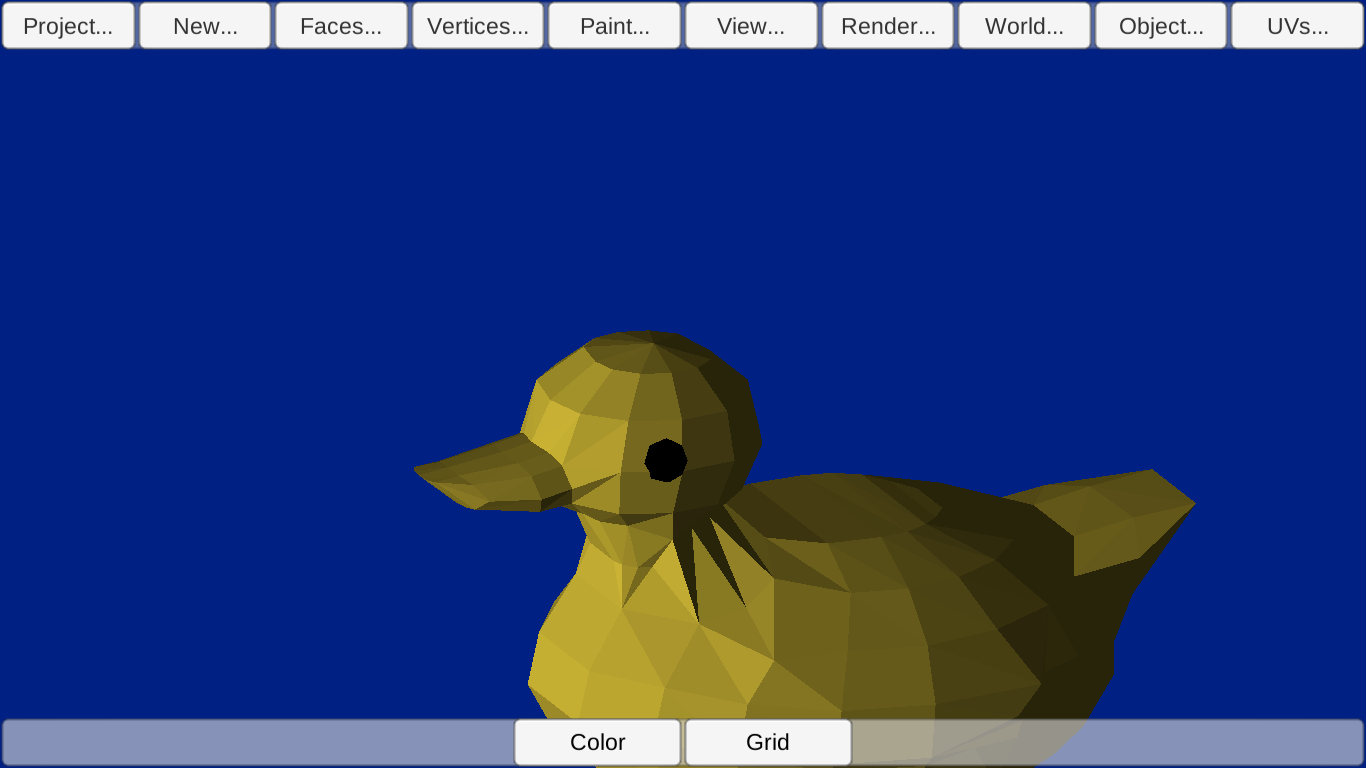
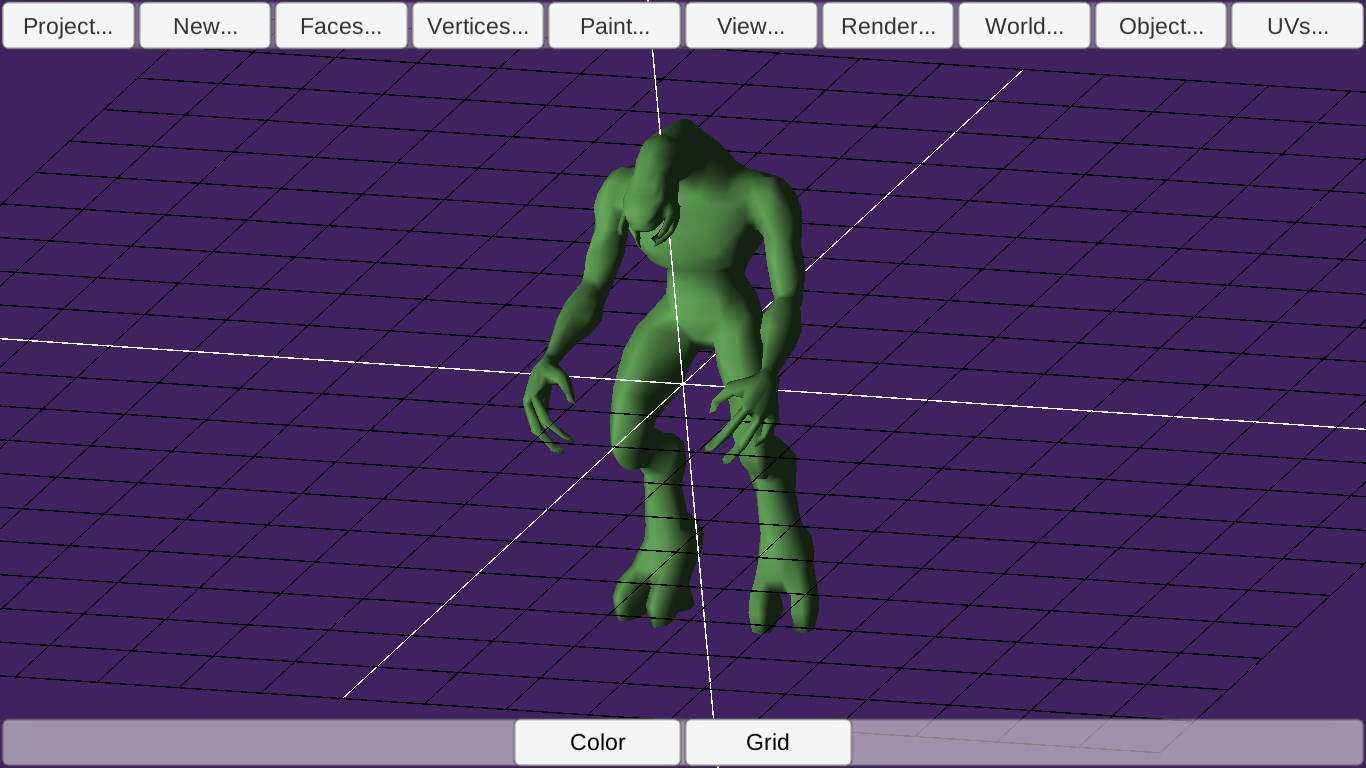
The single most valuable feature of 3D Model Maker polygon modeling is its ability to let you sketch out complex, professional-grade three-dimensional assets directly on your Windows tablet or PC while you are on the move. Unlike many simplified design tools that restrict you to stacking pre-made blocks or basic cubes, this software gives you complete creative control over polygon meshes. This freedom allows you to construct intricate, organic shapes and detailed structures wherever inspiration strikes, bridging the gap between mobile drafting and desktop production.
Seamless Integration with Professional CAD Software
For designers who need a continuous workflow, the 3D Model Maker polygon modeling app serves as an excellent mobile companion. It utilizes the highly compatible 3DS file format, which integrates smoothly with industry-standard production suites. You can easily export your progress and load it into major design ecosystems, including:
- Autodesk 3D Studio
- Maya
- AutoCAD
- Blender
This cross-platform compatibility ensures that your mobile concepts can be effortlessly refined, textured, and rendered in your main studio environment without any loss of geometry data.
A Robust Set of Editing Tools
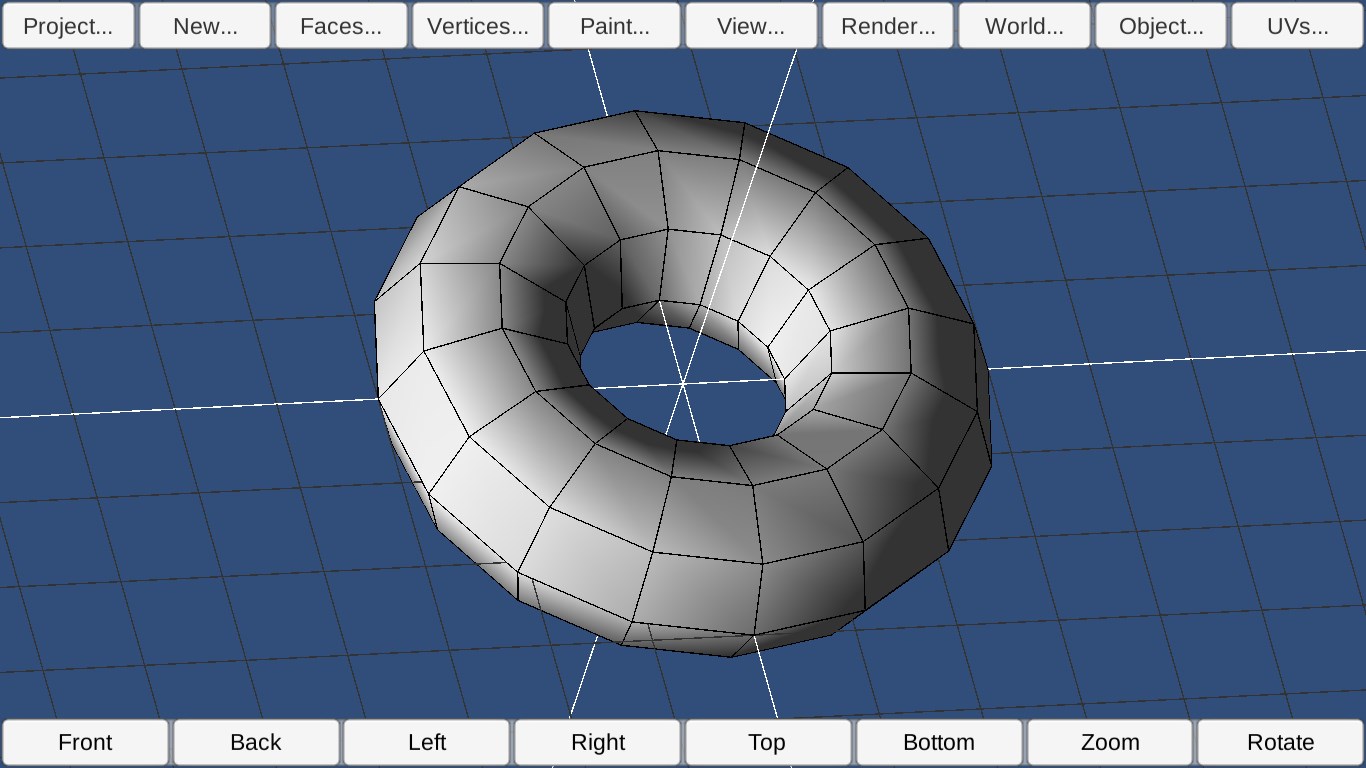
Despite its lightweight and mobile-friendly design, this design utility features a surprisingly deep toolset. Users can manipulate vertices, edges, and faces with high precision. Key features of the editor include:
- Advanced Mesh Manipulation: Apply standard modeling operations like "extrude", "subdivide", "smooth", and "pull" to shape your digital clay.
- Precision Selection: Move individual vertices or use the box-select tool to adjust multiple coordinates simultaneously.
- Face Coloring: Paint individual polygon faces directly within the application to draft your color schemes.
- Flexible Viewing Angles: Rotate your 3D canvas freely to inspect your model from any perspective, or choose from a set of predefined camera views.
Who is This Design Tool For?
Developed by Marjupi Games, this Windows application is tailored specifically for indie developers, digital artists, and CAD hobbyists who need a reliable mobile drafting tool. If you want to move past block-building games and dive into real polygon-based design, this tool offers a accessible entry point at a very low price. It is ideal for anyone who wants to turn transit time or remote working hours into productive modeling sessions.
Our Editorial Verdict
If you need a lightweight, functional, and budget-friendly utility to model on a Windows tablet, this app offers solid value. Its compatibility with professional desktop software makes it a practical addition to any designer's toolkit. To explore this creative tool further and add it to your Windows device, visit the official Microsoft Store today.
Rate the App
User Reviews
Other Apps in This Category


Popular Apps








Editor's Choice